
Zero-Based Budget Spreadsheet: A Simple Monthly System
Most budgets fail for the same reason: they're a vague guess ("I'll spend less on takeaways") with no way to tell if it worked. A zero-based budget fixes that by giving every dollar a job before the month starts, so that income minus everything you've assigned equals zero. Not zero in your bank account — zero unassigned. It's the clearest budgeting method there is, and a spreadsheet is the perfect tool for it.
What "zero-based" actually means
Say you bring home $3,000 this month. You assign it: rent $1,200, groceries $500, transport $200, savings $400, fun $200, and so on — until every one of those 3,000 dollars has a category. When your assignments add up to your income, you're "at zero." Every dollar is doing something on purpose, instead of vanishing.
This is different from just tracking spending after the fact. You decide in advance, which is what makes it work.
Building it in a spreadsheet
You need two halves:
1. The plan (start of month)
- A list of categories (housing, food, transport, debt, savings, fun…)
- A Planned amount for each
- A running total, and a cell showing Income − Planned — your goal is to get that to 0
2. The reality (during the month)
- An Actual column you update as you spend
- A Difference column (
Planned − Actual) so you can see, per category, if you're over or under
The magic cell is that Income − Planned = 0 check. When it's positive, you have money you haven't assigned (assign it — often to savings or debt). When it's negative, you've planned to spend more than you earn (cut something now, before it happens).
The three formulas that do the work
- Total planned:
=SUM(planned column) - Left to assign:
=income − total planned(drive this to 0) - Per-category difference:
=planned − actual
Add conditional formatting so overspent categories turn red, and you've got a live, at-a-glance budget.
Common mistakes
- Too many categories. Start with 8–12. You can always split later.
- Forgetting irregular costs — car rego, insurance, Christmas. Add "sinking fund" categories and set aside a little each month so they don't blow up the budget when they land.
- Never looking at it again. A budget is a weekly 5-minute check-in, not a one-time document.
Don't want to build the formulas?
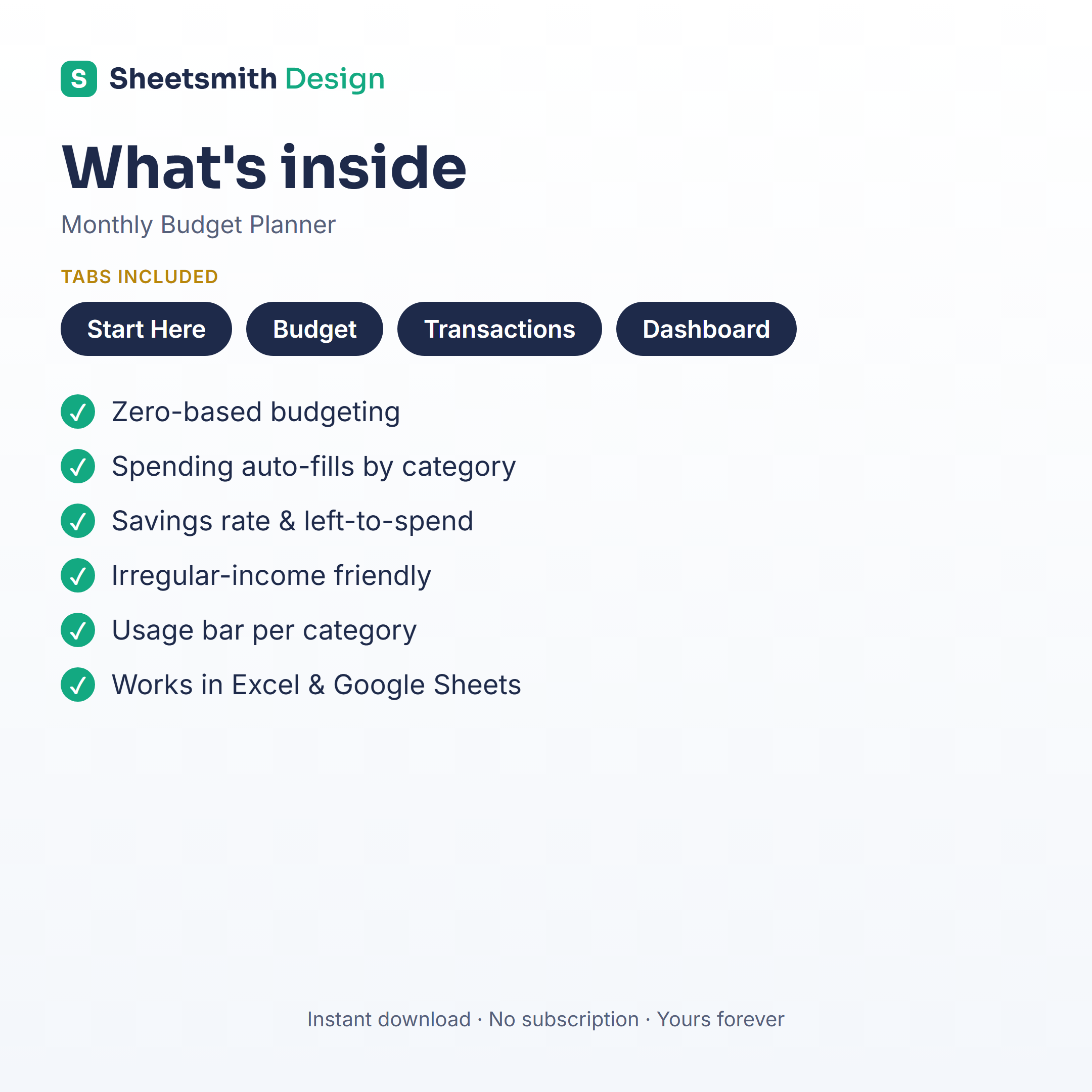
If you'd rather start budgeting tonight than build and debug the "left to assign = 0" logic yourself, the Sheetsmith Monthly Budget Planner is a ready-made zero-based budget: planned vs actual for every category, an automatic "left to assign" tracker that tells you when you've hit zero, sinking-fund support for irregular costs, and clean charts. Works in Excel and Google Sheets, one-off download, no subscription — set your categories once and reuse it every month.
This article is general information and a spreadsheet walkthrough — not financial advice.