
How to Track Freelance Income and Expenses in Google Sheets
When you're freelancing, no one hands you a payslip that says what you earned and what to set aside for tax. You have to build that picture yourself — and if you don't, tax time becomes a panic and you never really know if a slow month was a blip or a trend. Good news: a plain Google Sheet handles all of it. Here's a setup that takes about 15 minutes and works for contractors, sole traders, gig workers and creators anywhere in the world.
Step 1 — One row per transaction
Make a tab called Income and a tab called Expenses (or one combined "Transactions" tab with a Type column). For each entry, capture:
- Date
- Description / client
- Category (e.g. income: design, writing; expenses: software, travel, fees)
- Amount
Use a drop-down for Category (Data → Data validation) so your entries stay tidy and you can total by category later. Messy categories are the number-one reason DIY trackers become useless after two months.
Step 2 — Make it total itself
On a Dashboard tab, add formulas that read your transaction tabs:
- Total income:
=SUM(Income!D:D) - Total expenses:
=SUM(Expenses!D:D) - Net profit: income − expenses
- Totals by category with
=SUMIF()so you can see where the money actually goes
That's the core. The moment those three numbers update automatically, you'll check them far more often — and checking often is the whole point.
Step 3 — Set aside tax as you go
This is the one freelancers skip and regret. Add a cell for your tax-set-aside rate (you choose it based on your country and income — a common rough rule is 25–30%, but confirm your own), then:
Tax to set aside = Net profit × your rate
Move that amount into a separate savings account each time you get paid. Future-you will be very grateful.
Step 4 — Track who still owes you
Add an Unpaid? column to your income tab (Yes/No), then a cell:
Outstanding = SUMIF(status column, "Yes", amount column). Now you always know how much is floating out there
in unpaid invoices — the difference between "I think I'm fine" and actually knowing.
Step 5 — A monthly view
Use a pivot table or SUMIFS() by month to see income and profit month over month. This is what turns raw
rows into insight: is the trend up or down?
The shortcut
All of the above is very doable by hand — but between the drop-downs, the SUMIF maths, the tax cell, the
unpaid-invoice tracker and a monthly chart, it's an evening's work to build and get right. If you'd rather
have it done, the
Sheetsmith Freelancer Finance Tracker
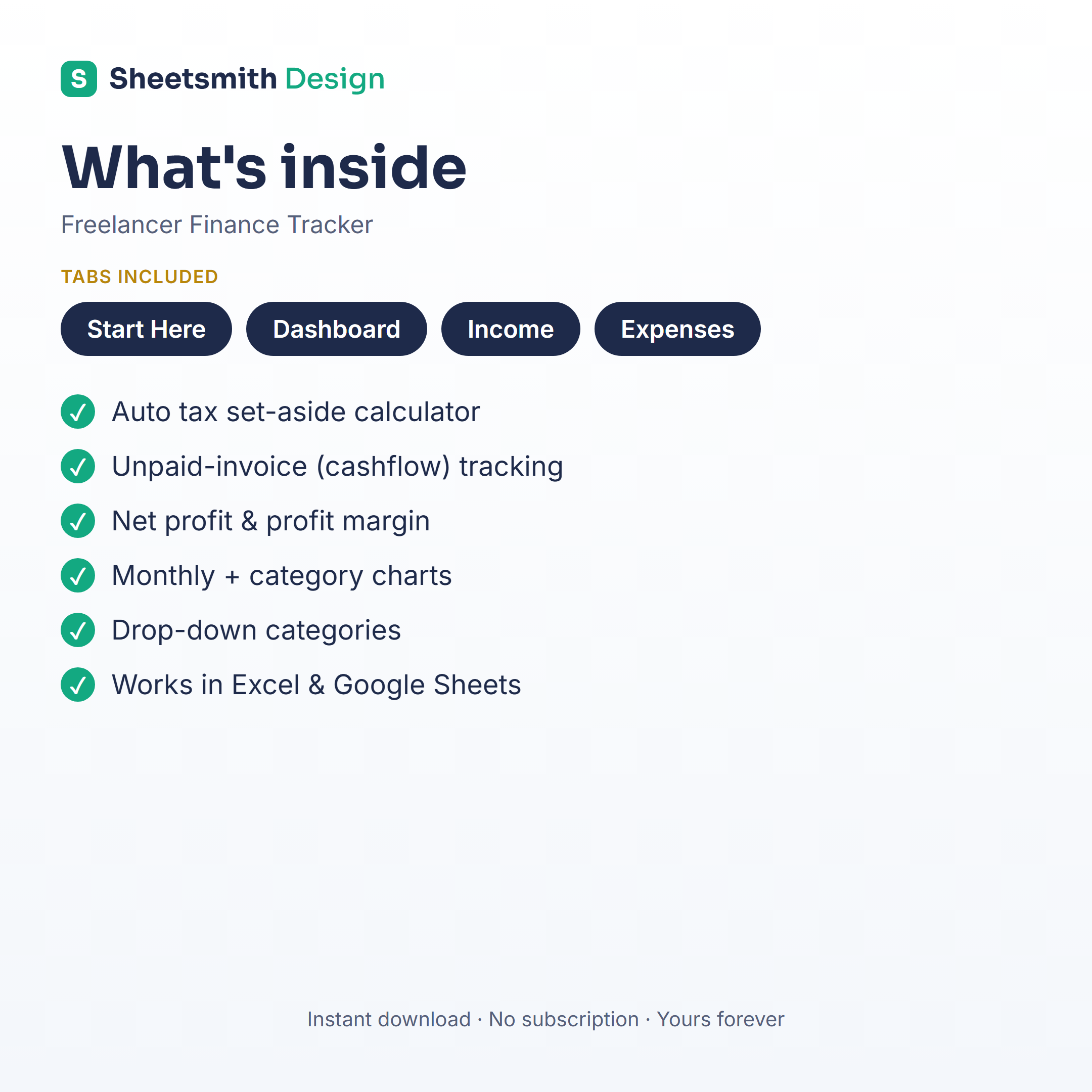
is exactly this setup, pre-built and hand-checked: automatic income/expense/profit dashboard, a tax-set-aside
calculator, unpaid-invoice tracking, monthly breakdown and charts, with a "Start Here" tab. Works in Excel and
Google Sheets, one-off download, no subscription.
Whether you build it or buy it, the lesson is the same: a freelancer who tracks their numbers weekly makes calmer, better decisions than one who guesses. Start this week.
This is general information and a spreadsheet how-to — not financial or tax advice. Tax rules vary by country; check your own obligations or speak to an accountant.