
Freelancer Tax Spreadsheet: How Much to Set Aside
The single scariest moment in freelancing is the first tax bill you didn't save for. Employees never see it — tax comes out before the payslip lands. Freelancers get the whole amount and have to claw some back themselves. A simple spreadsheet turns that from a yearly panic into a boring, automatic habit.
The rule: pay yourself, then pay the tax pot
Every time you get paid, a slice isn't really yours — it's the tax office's, you're just holding it. So the moment money arrives, move a percentage into a separate savings account you never touch. That's it. The only question is what percentage.
Working out your percentage
There's no universal number — it depends on your country, your income level, and your deductible expenses. A very rough starting point many sole traders use is 25–30% of net profit (income minus expenses), but this is a placeholder, not advice — check your own tax brackets or ask an accountant for your real rate. The spreadsheet's job is to apply your chosen rate consistently.
What the sheet needs
- A cell where you enter your tax rate (so it's easy to update)
- Net profit = total income − total expenses (pulled from your tracker)
- Tax to set aside = net profit × your rate
- A running tally of what you've actually moved into the tax account vs what you should have
That last row is the one that saves you: it shows at a glance whether your tax pot is on track or behind.
Don't want to wire up the formulas?
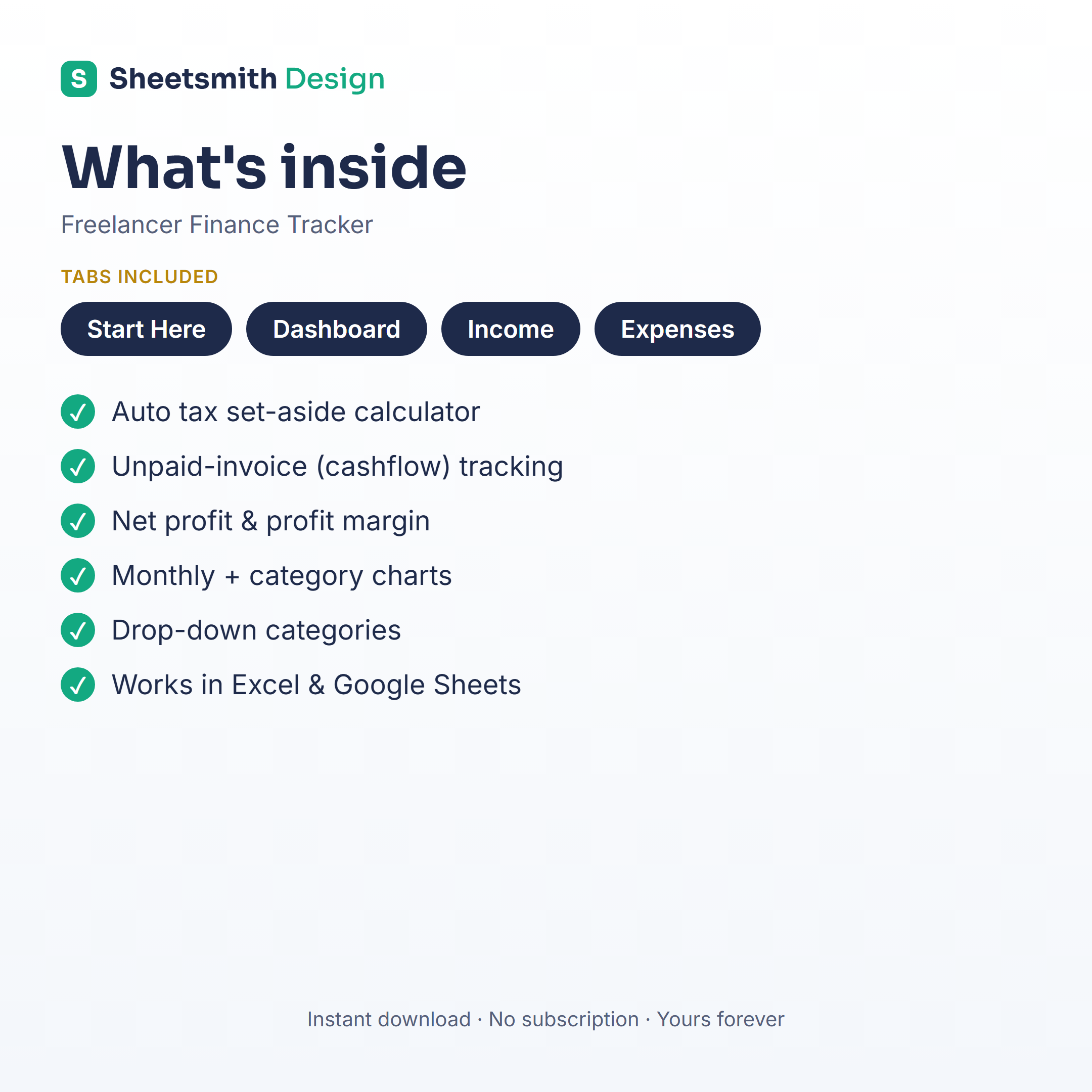
The Sheetsmith Freelancer Finance Tracker has this built in — a tax-set-aside calculator where you enter your rate and it tells you exactly how much to move each time you're paid, alongside your full income/expense dashboard. Works in Excel and Google Sheets, one-off download, no subscription.
Set your rate once, move the money every time you get paid, and next tax season is a non-event.
General information and a spreadsheet how-to — not financial or tax advice. Tax rules and rates vary by country; confirm your own obligations or speak to a qualified accountant.