
Debt Payoff Spreadsheet: Snowball vs Avalanche (and How to Track Either)
If you've got more than one debt — a credit card, a car loan, a buy-now-pay-later balance — the hardest part isn't wanting to pay them off. It's knowing which one to attack first, and being able to see that the plan is actually working. A simple spreadsheet fixes both. Here's how the two most popular methods work, and how to track them so you can watch the balances fall.
The two methods, in plain English
The snowball method — pay minimums on everything, then throw every spare dollar at your smallest balance first. When it's gone, roll that payment into the next-smallest. You knock out whole debts quickly, which feels great and keeps you going.
The avalanche method — same idea, but you attack the debt with the highest interest rate first. This costs you the least in interest overall, so mathematically it's the cheapest way out.
| Snowball | Avalanche | |
|---|---|---|
| Attack order | Smallest balance first | Highest interest rate first |
| Biggest win | Motivation (quick wins) | Pays less interest overall |
| Best for | People who need momentum | People who want the lowest cost |
There's no wrong answer. The best method is the one you'll actually stick to — and research on behaviour change tends to favour the motivation of visible progress, which is why snowball is so popular even though avalanche is cheaper. Pick one and start.
What you actually need to track
Whichever method you choose, a working debt tracker needs just a few columns per debt:
- Debt name (e.g. Visa, car loan)
- Current balance
- Interest rate (APR)
- Minimum payment
- Extra payment (the spare money you're throwing at your target debt)
From those, the sheet should calculate the things that keep you motivated: total debt remaining, total paid so far, your payoff order (auto-sorted by balance for snowball, or by rate for avalanche), and a progress bar so you can see the number shrinking each month.
Setting it up in Google Sheets or Excel
You can absolutely build this yourself:
- One row per debt, with the columns above.
- A
=SUM()for total balance and total minimums. - Sort your debts by balance (snowball) or APR (avalanche) to get your attack order.
- A month-by-month log where you record each new balance, so you can chart the downward trend.
The fiddly part is the maths that makes it motivating — the auto-sorting attack order, the interest projections, and the "debt-free date" estimate. That's where most DIY sheets stall.
Or skip the build
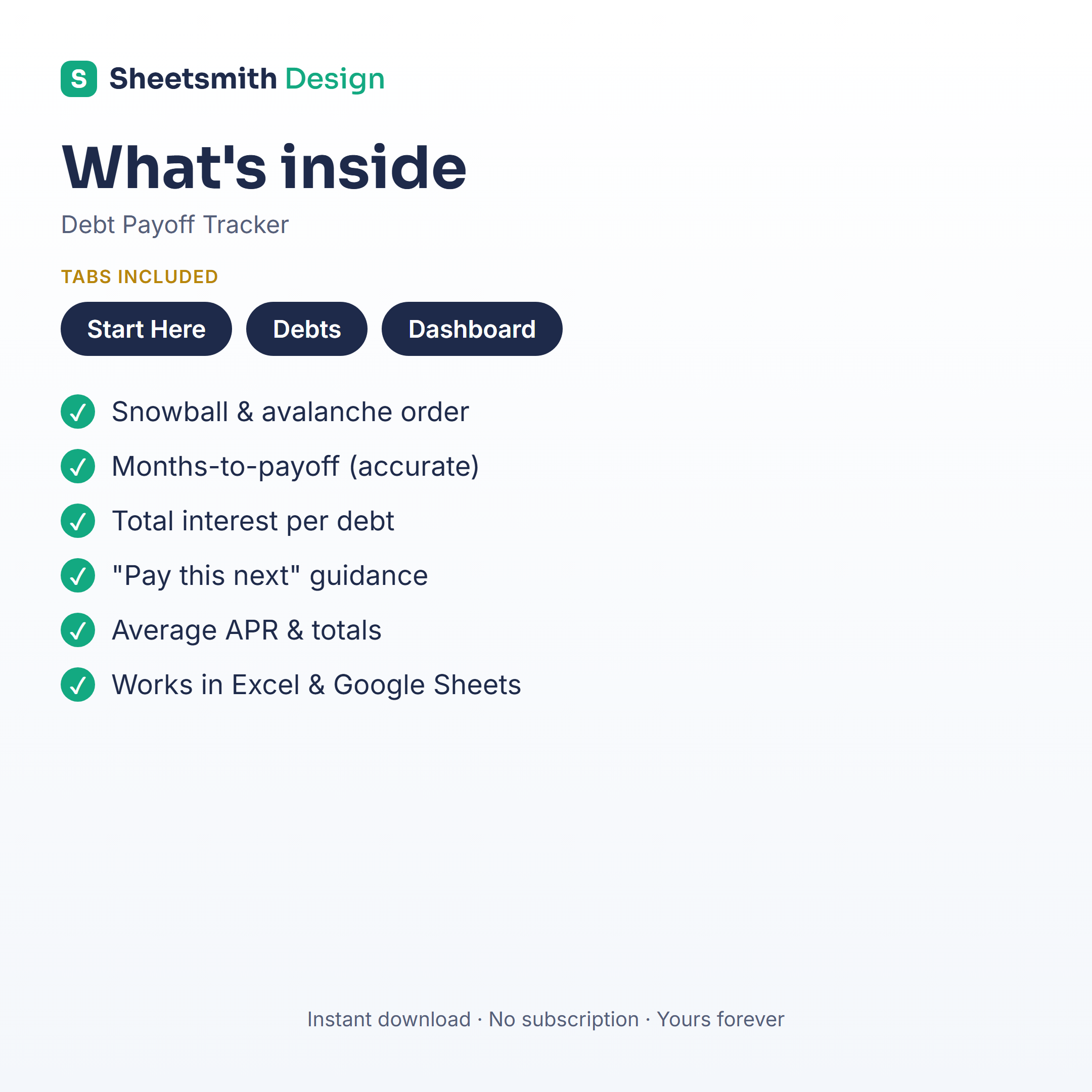
If you'd rather just start paying debt down today than spend an evening wrestling with formulas, the Sheetsmith Debt Payoff Tracker does all of it out of the box — snowball and avalanche views, an automatic payoff order, a debt-free-date estimate, and a built-in progress chart. Enter your balances once and it does the rest. It works in both Excel and Google Sheets, it's a one-off download (no subscription), and it's yours forever.
This article is general information and a spreadsheet walkthrough — not financial advice. For guidance on your specific situation, speak to a qualified financial adviser.